
IT Simulator and Help Desk SimulatorSysDesks
SysDesks is a browser-based IT simulator and help desk simulator built around a complete support shift. Claim a ticket, investigate a simulated Windows machine, talk with its user, fix the cause, verify the result, and document your work. Practice Active Directory, cybersecurity, networking, and help desk work in one connected workspace. Start free with nothing to install.
01 · Triage the queue
A live queue where every decision counts
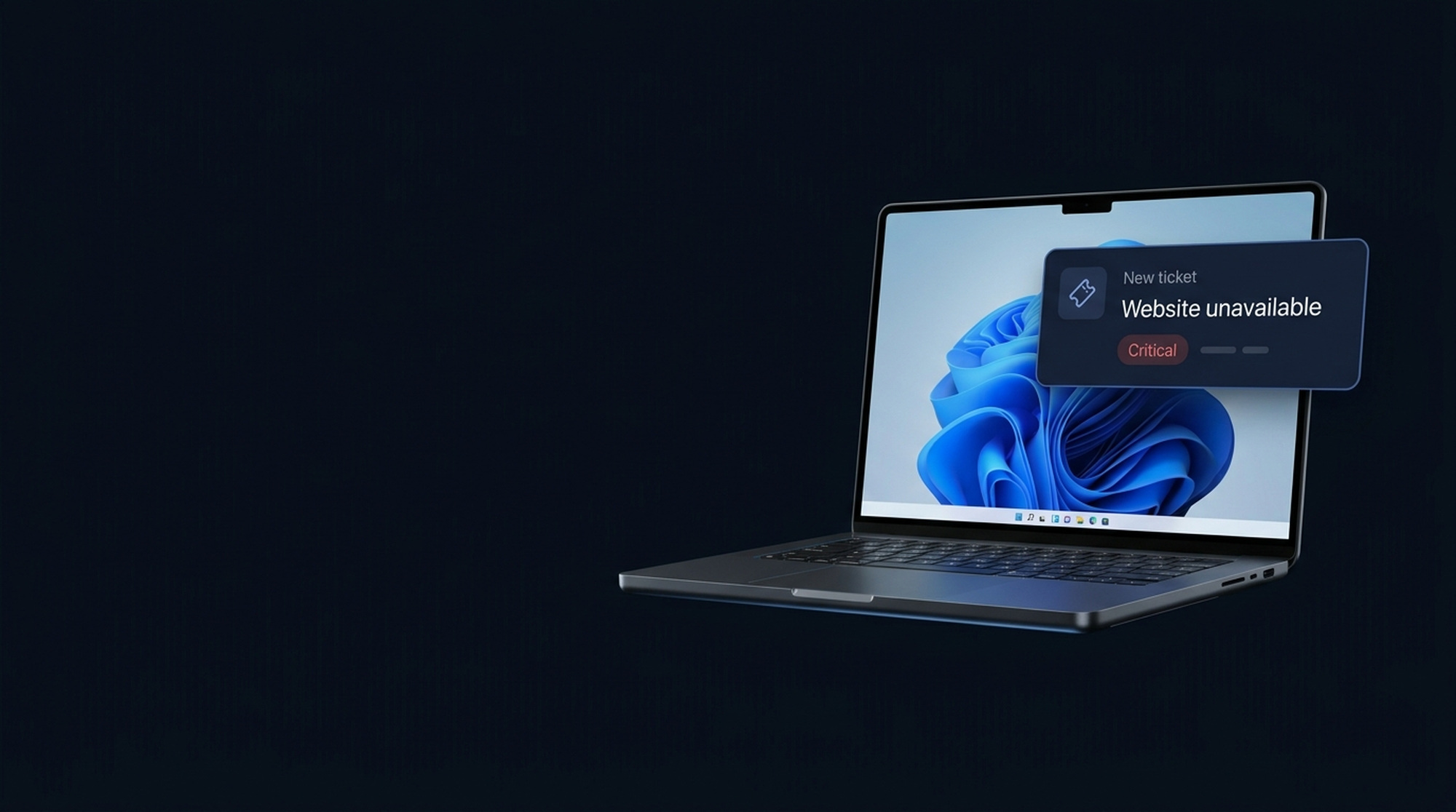
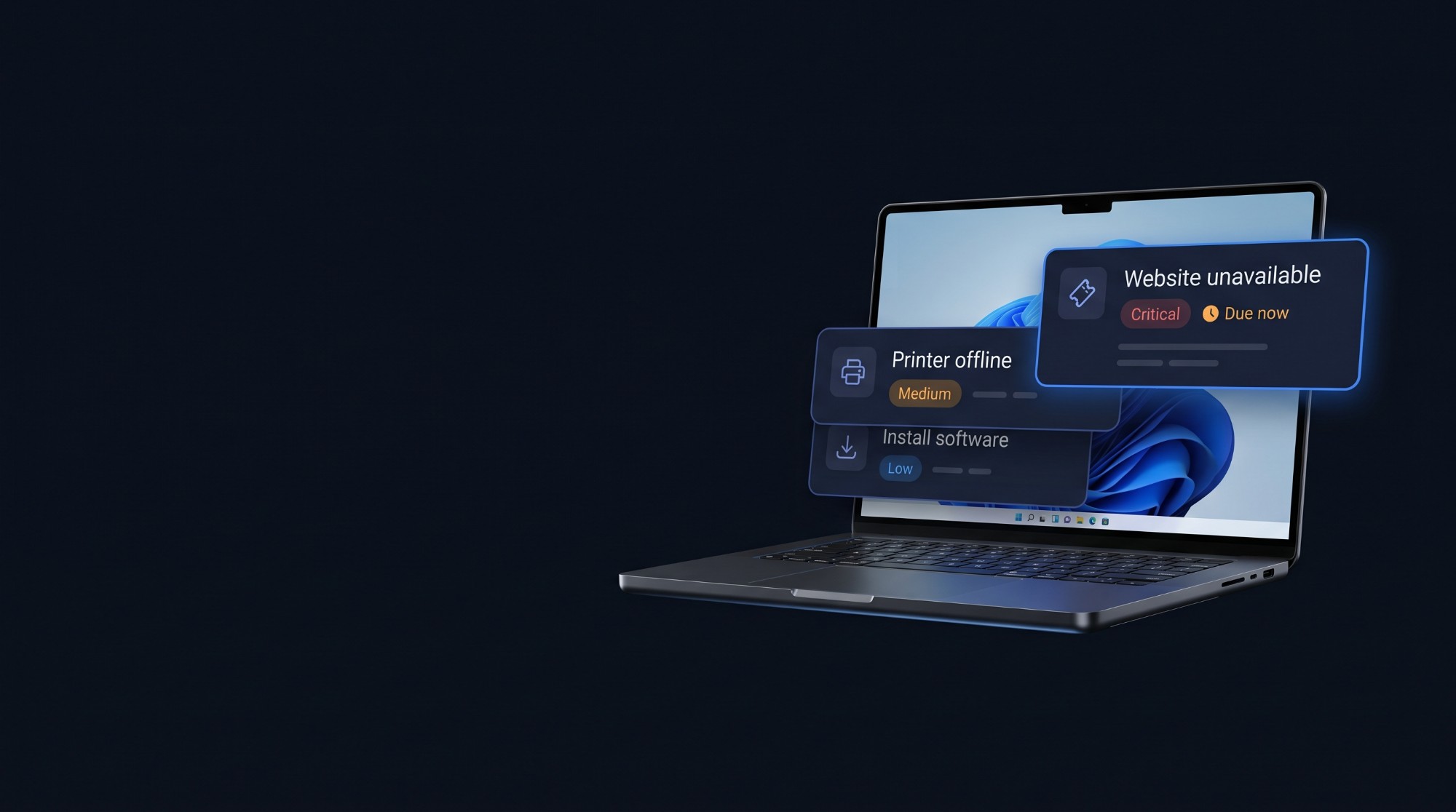
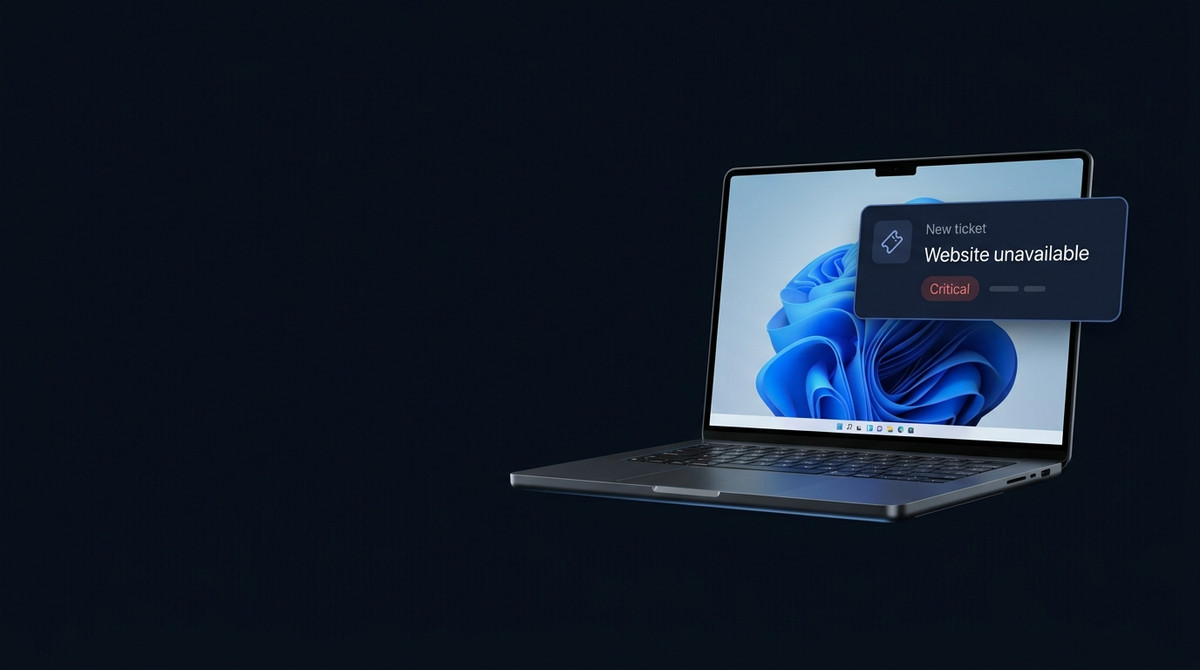
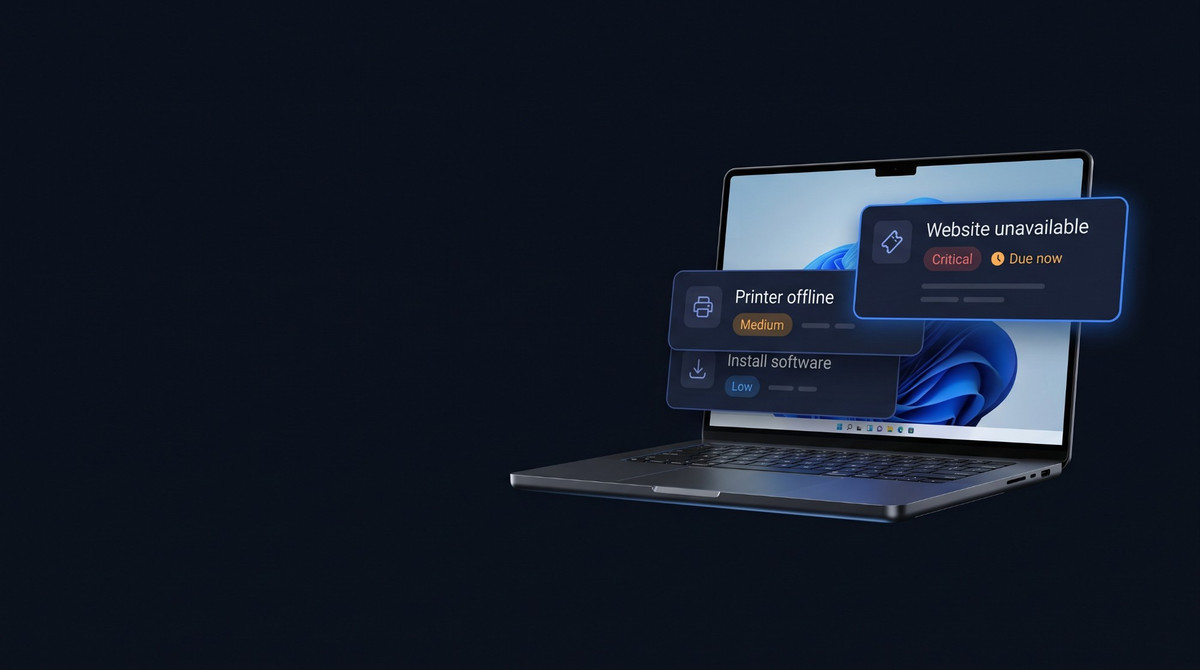
Claim a ticket, assess its urgency, verify the requester, and decide what to investigate first. Active Directory, cybersecurity, networking, and everyday help desk tickets share one queue: account lockouts, phishing, DNS and VPN failures, broken printers, and Windows faults. New incidents arrive as you resolve old ones, giving you the rhythm of a real Tier 1 support shift.
02 · Follow the evidence
Work the tools. Prove the fix.
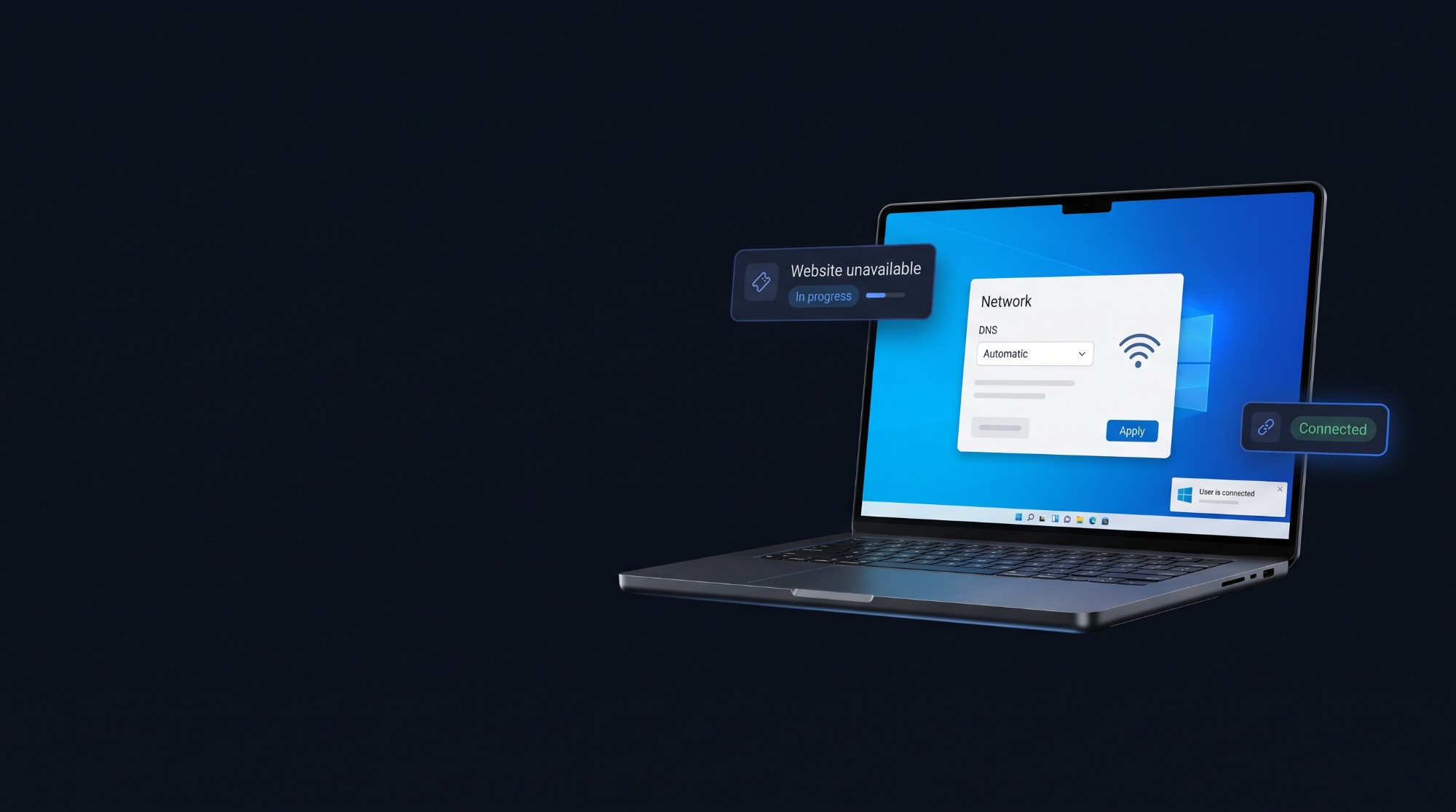
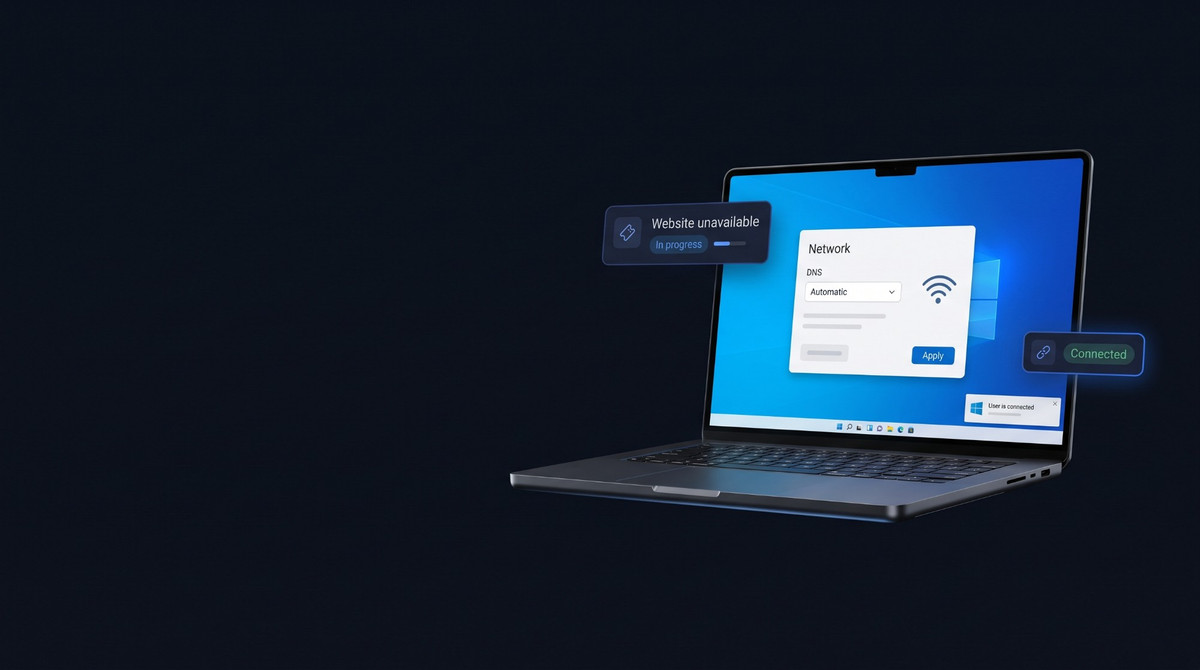
Remote into the user's simulated Windows 11 computer. Check Event Viewer, Services, Device Manager, and Settings, then test what changed in a working Command Prompt with 62 commands, including ipconfig, ping, and nslookup. Inspect users, groups, and computers in Active Directory. For faults beyond the desktop, move into the server room to trace servers, switches, routers, and the firewall.
03 · Close the loop
Talk to the person behind the ticket
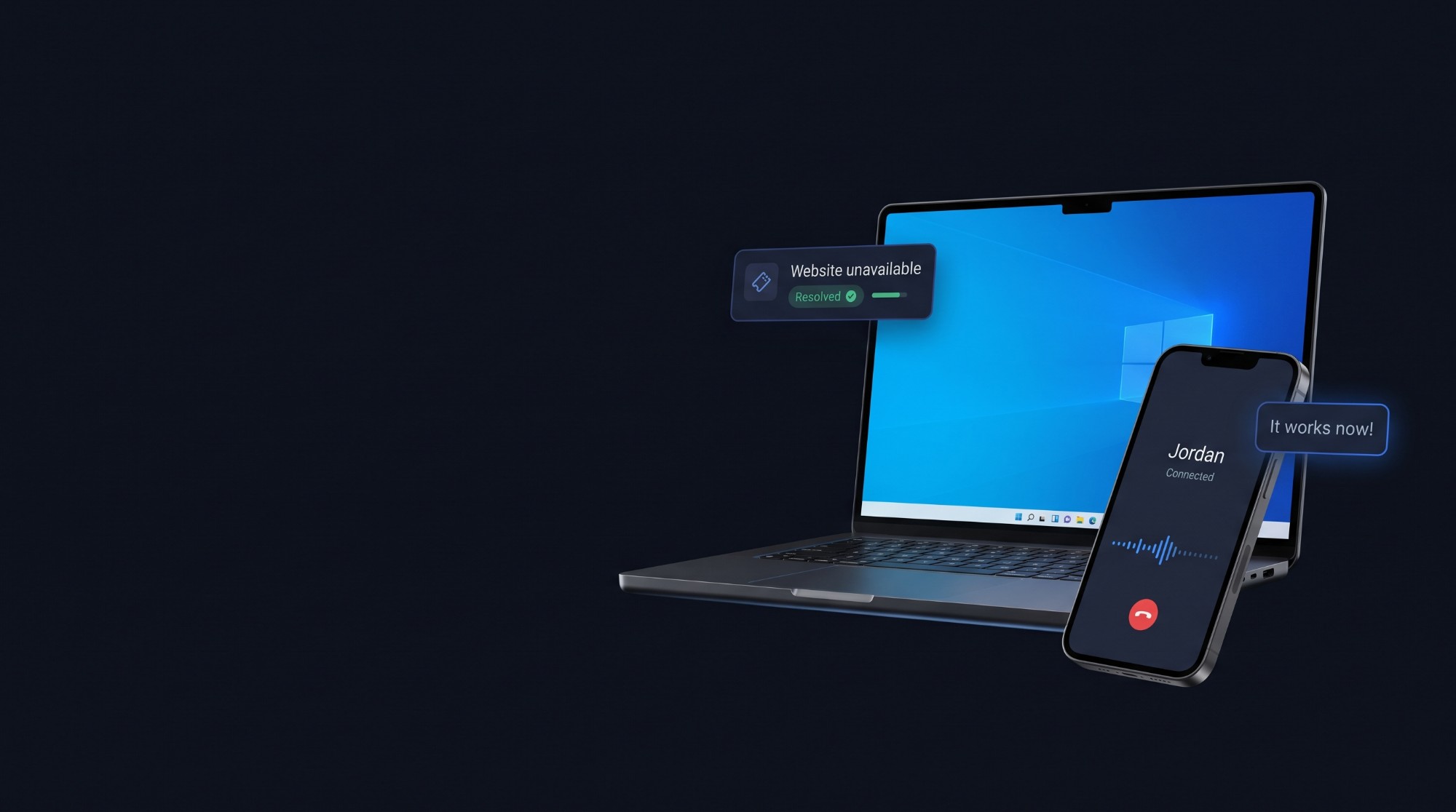
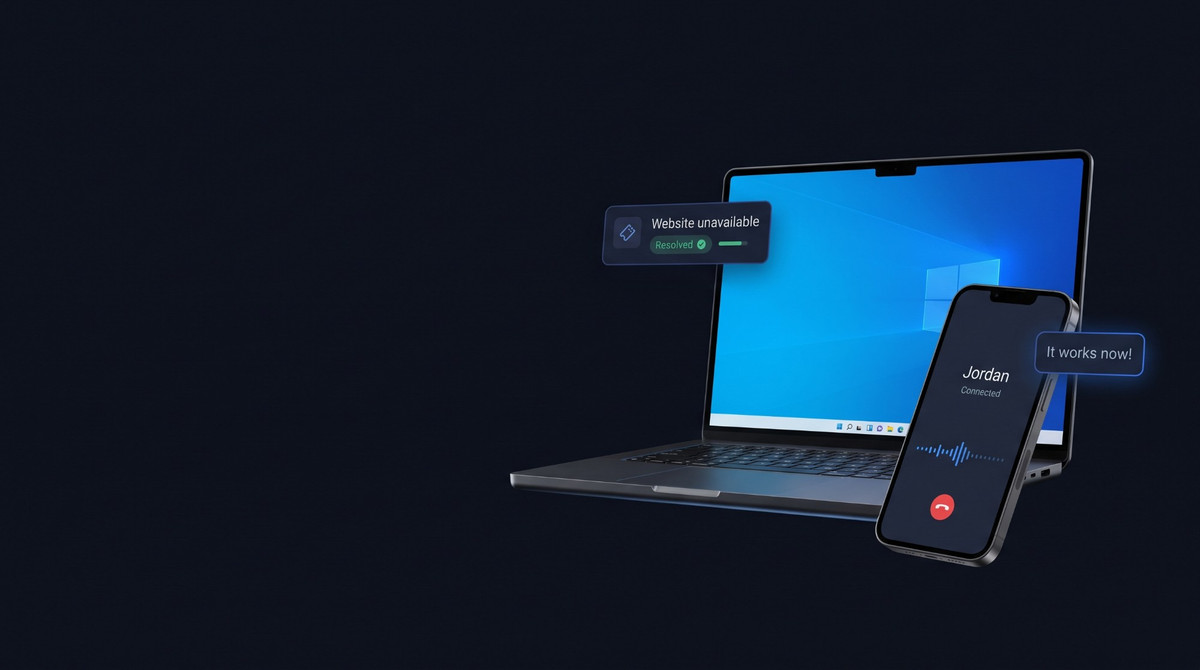
Call the requester with AI voice, message them while you work, or reply on their email thread. They react to changes on their machine and confirm whether the original problem is solved. Identity checks, authorization, evidence, useful work notes, and sound escalations all count. SysDesks scores technical accuracy, communication, and process, so you learn how to finish a support ticket properly.
04 · Build the skill
Guided practice for you and your team
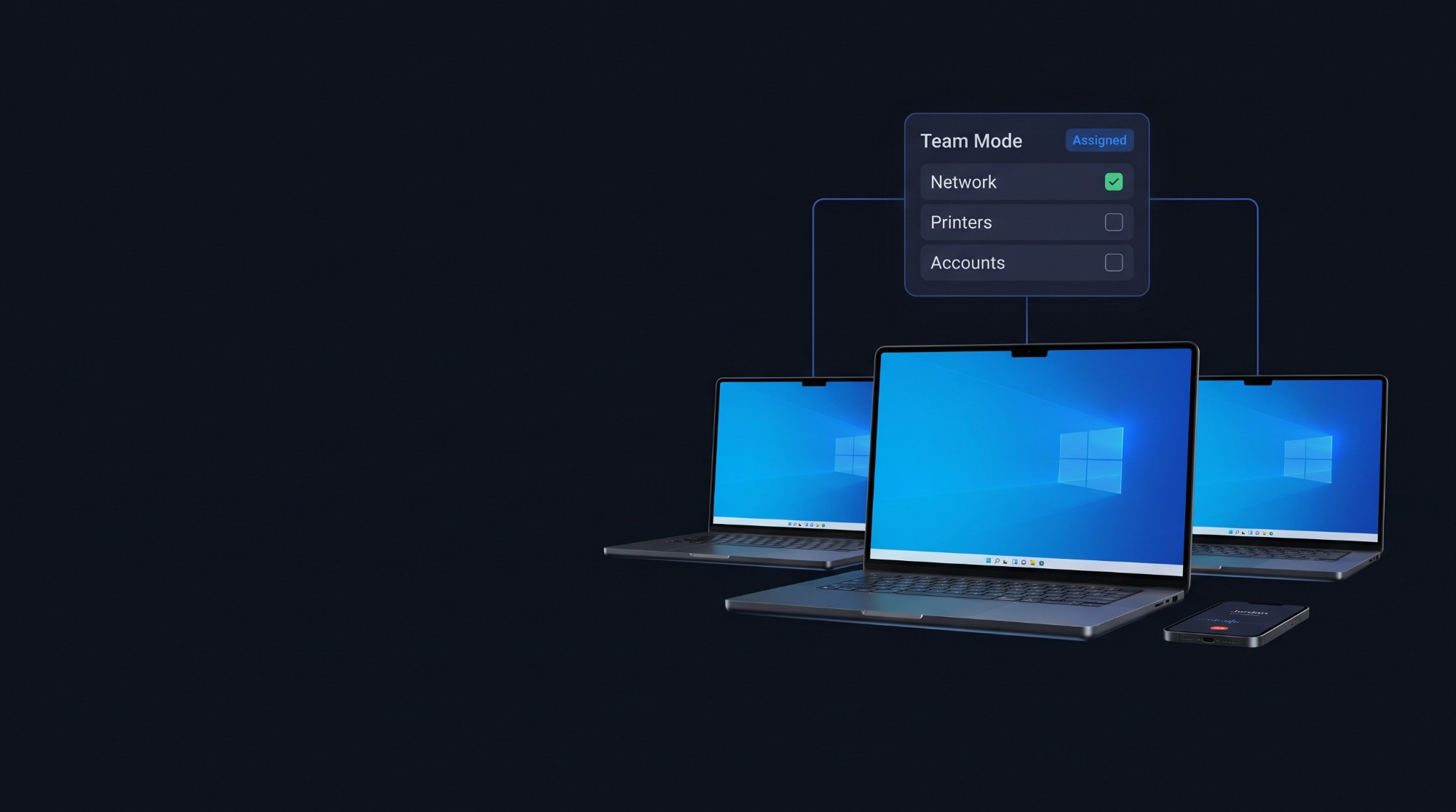
Start with ten hands-on training labs. Each step shows where to go, explains why it matters, and checks that the simulated machine really changed. Move into open tickets when you are ready, then explain your reasoning in a mock interview with an AI hiring manager tailored to your skill gap and current level. In Team Mode, instructors and leads assign work to groups and review each technician's progress.
Explore Team Mode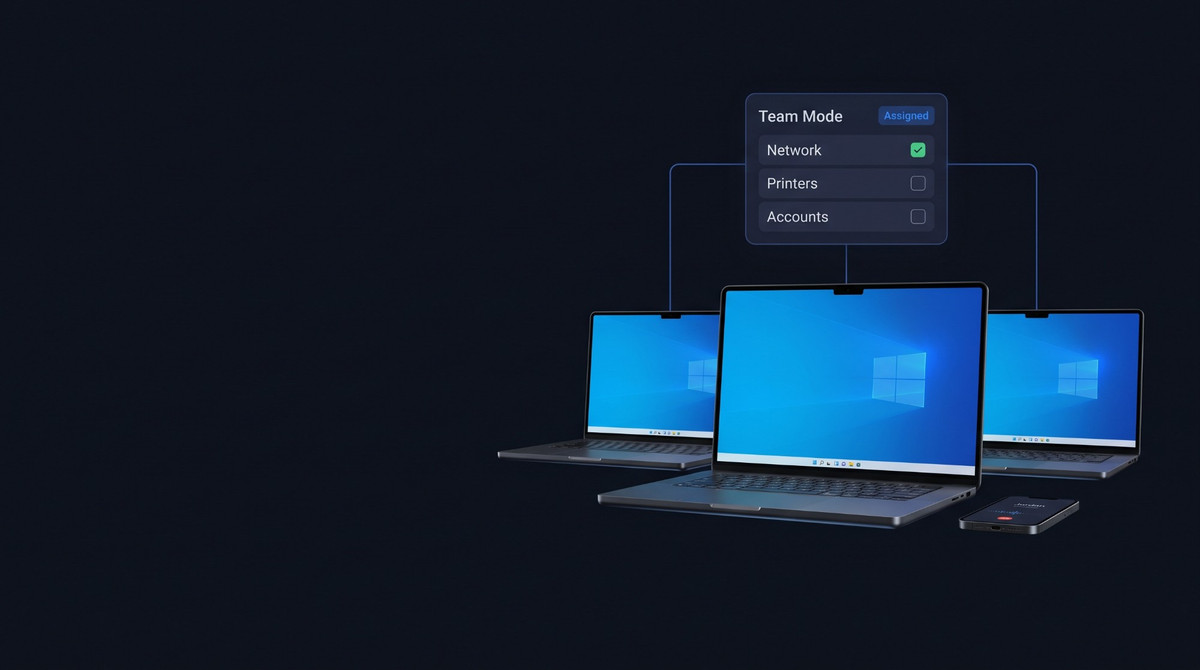
05 · Start your shift
Ready for your first shift?
Create a free account and work your first ticket in a safe, connected service desk.
Start free