Realistic IT Help Desk SimulatorSysDesks
SysDesks is a browser-based IT help desk simulator where you learn support work by doing it. This IT support practice tool gives you help desk practice tickets in a connected service desk instead of asking you to memorize isolated answers. You claim a ticket, look the user up in a simulated company directory, remote into the Windows machine they are sitting at, open Event Viewer or Device Manager, run commands like ipconfig and nslookup in a working terminal, call the user back over AI voice, apply an authorized fix, and document what you did.
The training environment
What SysDesks is: one connected service desk
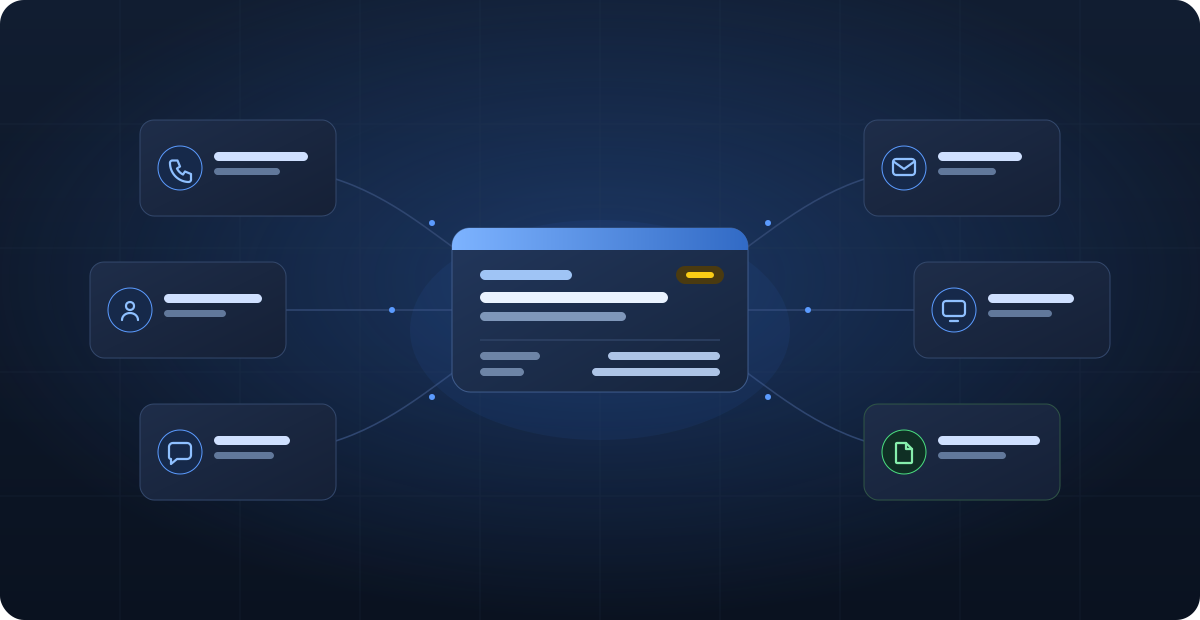
SysDesks is an IT help desk simulator that puts a complete Tier 1 support environment in a single workspace: a live ticket queue, a simulated company directory of users, groups, computers, and organizational units, remote desktop access to the machines those users are on, a working Windows terminal, AI-driven voice calls, email, chat, a knowledge base, and scored documentation.
Nothing here is a separate mini-game. One incident moves with you: the ticket you claim in the queue names a user you can look up in the directory, sitting at a device you can remote into, whose owner you can call and hear answer. That continuous thread is the difference between practicing a help desk and answering questions about one.
The scenarios are educational simulations, not access to a production network. They are designed to make you slow down, gather evidence, respect authorization boundaries, choose a sensible troubleshooting path, and leave useful work notes for the next technician.
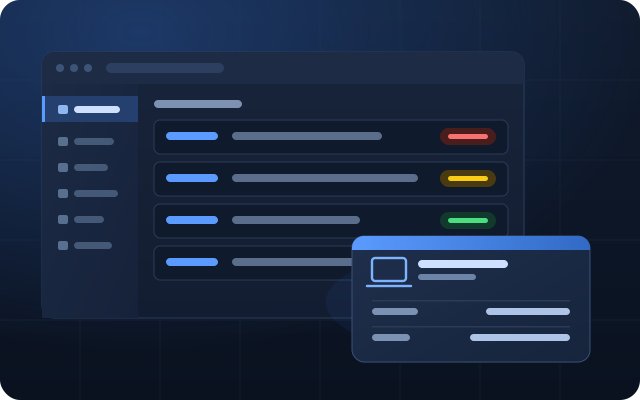
SysDesks Team Mode
Best for leaders managing their technicians
Give your class, business, or group workspace one private place to practise real IT support work—without losing sight of who is learning what.
- Organize technicians
Create groups and give each one the right learning path. - Teach practical skills
Set taught programmes and assign realistic support tickets. - See real progress
Review completed work, accuracy, learning checks, and handoffs. - Keep ownership simple
Technicians use their own accounts while the lead keeps the plan together.
A repeatable workflow
How the simulator works
Every SysDesks incident follows the same three-part shape a real service desk uses: triage, investigate, resolve. Start with the queue, read the request, claim the incident, and identify the user, device, impact, and urgency. From there you review records, communicate with the user, connect to the appropriate system, test a hypothesis, apply an authorized fix, and verify the result.
The platform evaluates more than the final click. Ticket ownership, investigation, documentation, customer communication, scope judgment, and resolution quality all matter. Guided courses and new tickets let beginners build a process before they face the same patterns in a real support role.
1. Triage
Read the incident, establish impact, verify the caller's identity, and decide what evidence is still missing.
2. Investigate
Search the directory, remote into the endpoint, read Event Viewer, run ipconfig or nslookup, and narrow the cause.
3. Resolve
Make an authorized change, test it, confirm with the user by call or email, and document the outcome in a work note.
Working tools, not screenshots
The support tools you actually get to use
SysDesks ships working versions of the tools a Tier 1 technician touches on a normal shift. You type real commands into a working terminal and they run, you open Windows management consoles and they respond to the state of the simulated machine, and the fix you apply is the fix the ticket is scored against.
A working terminal with 55 commands
Run ipconfig, ping, tracert, pathping, nslookup, netstat, arp, route, getmac, nbtstat, netsh, gpupdate, gpresult, sfc, dism, chkdsk, diskpart, systeminfo, tasklist, taskkill, sc, driverquery, whoami, net, dsquery, icacls, robocopy, and findstr against a machine whose state actually changes — not a canned transcript.
Remote desktop into the user's machine
Connect to the endpoint and open Task Manager, Device Manager, Event Viewer, Services, Registry Editor, Disk Management, Computer Management, Local Users and Groups, Credential Manager, Network Connections, and Windows Update.
A simulated Active Directory
Search users, groups, computers, and organizational units in an Active Directory-style tree, from the directory console or from the terminal with net user and dsquery. Review group membership, unlock accounts, reset credentials, and confirm authorization before you change anything.
AI voice calls with end users
Take and place calls with simulated employees who speak out loud, describe symptoms imprecisely the way real users do, and react to how clearly you explain things.
Email, chat, and a knowledge base
Reply to the mail thread a ticket came from, message a colleague, and search internal documentation before escalating a problem someone has already solved.
Infrastructure and hardware benches
Work in a server room, a network lab, a printer console, firewall and VPN configuration, asset records, software deployment, and hardware repair and shipping.
Scored work notes and escalation
Documentation is graded, not optional. Your notes, evidence, and escalation judgment are assessed alongside whether the symptom went away.
Progression and assessments
Career points, skill profiles, timed assessments, and a leaderboard track what you have actually demonstrated across sessions.
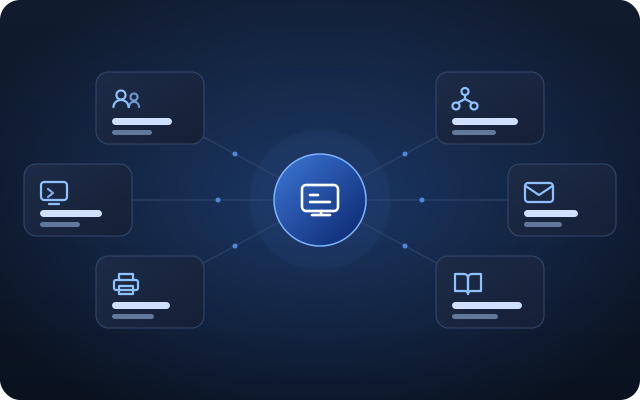
Inside the workspace
What you can practice in SysDesks
The current SysDesks scenario catalog contains 146 authored scenarios across nine categories of help desk work: identity, networking, Windows desktop, software, hardware, printers, mobile, security, and infrastructure. A scenario is a scored ticket with a defined fault and expected resolution state, not a multiple-choice question. You move between the queue, user records, technical tools, and conversations as the situation changes, and the queue keeps generating new incidents as you close them.
Account lockouts and identity
Verify a caller, unlock an account, reset a credential, review group membership with net group, and refuse a request that has not been properly authorized.
Networking and connectivity
Diagnose APIPA addresses, DNS resolution failures, DHCP problems, gateway and routing faults, and VPN connectivity using real ipconfig, ping, tracert, and nslookup output.
Windows desktop troubleshooting
Read Event Viewer logs, check Services and startup items, inspect Device Manager for driver faults, end a hung process with taskkill, and repair system files with sfc and dism.
Email and cloud productivity
Work mailbox access, delegation, distribution list, licensing, and sign-in problems in a WorkSuite 365-style environment.
Printers and peripherals
Investigate stuck queues, driver mismatches, network printer discovery, and hardware symptoms from a printer control panel.
Remote support sessions
Connect to the correct device, explain what you are about to do before you do it, make the change, and verify the user can work again.
Security judgment
Handle phishing reports, suspicious sign-ins, credential requests, and the moments where the safest action is to stop and escalate.
Documentation and escalation
Write specific work notes, record the evidence you gathered, explain the resolution, and recognize when a ticket belongs with another team.
A structured path
Ten guided courses, then the live queue
The current SysDesks catalog includes ten guided courses that build the process before the queue tests it: Help Desk Fundamentals, Ticketing and Documentation, Windows Desktop Troubleshooting, Networking and Connectivity, Identity and Active Directory, Email and WorkSuite 365, Hardware and Peripherals, Remote Support and RDP, Security Hygiene for Tier 1, and Escalation and Complex Incidents.
Each course pairs reading with commands you type and tickets you work, so a concept is followed immediately by the place it is used. Course progress, career points, and your skill profile carry across sessions, and they feed the interview practice with an accurate picture of your current level.
Prepare for the interview
Practice the interview, not just the tickets
Getting the job takes more than fixing the problem. SysDesks includes a mock interview room: a formal screening for a help desk role at the simulated company Northline, run by one of three AI hiring managers who introduce themselves, ask about your background and previous projects, work through scenario questions, and invite your questions back.
You answer out loud over voice or by typing, and every mock interview is customized to your skill gap and current level. When you finish you get a breakdown of what you clearly demonstrated, what was missing, the answer an interviewer wanted to hear, and an honest hiring perspective that lands on hired or declined, graded on how you spoke, how you reasoned, and how you handled the situation rather than on trivia recall.
Speak or type
Answer out loud like a real phone screen, or type your answers if you would rather practice the structure first.
Judged and explained
Each answer is scored with specific feedback, so you learn what a strong version of your own answer sounds like.
A verdict, not a participation badge
The report ends with a hired or declined call and the reasoning behind it, so you know where you actually stand.
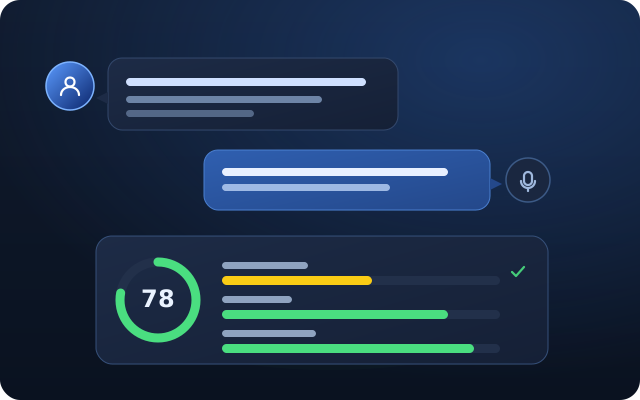
From theory to judgment
Why hands-on practice matters
Studying gives you vocabulary and mental models. Practice forces you to decide what to do first when the ticket is incomplete, the user is frustrated, several causes are plausible, and the safest action is not the fastest-looking action.
The U.S. Bureau of Labor Statistics reported in 2025 that 97.0 percent of computer user support specialist roles required more than basic people skills, speaking was required in more than 99.5 percent, on-the-job training was required in 86.2 percent, and prior work experience was required in 56.8 percent. Those figures explain why isolated technical quizzes are not enough preparation for the communication and judgment involved in support work.
A lab cannot replace employment, but it can give you structured examples of how you approached a problem. That makes it easier to explain your troubleshooting process, documentation habits, and lessons learned during an interview without presenting simulated work as professional experience.
97.0%
of computer user support roles required more than basic people skills in the 2025 BLS Occupational Requirements Survey.
>99.5%
required speaking, which is why SysDesks includes AI voice calls and spoken interview practice.
86.2%
required on-the-job training, supporting practice that connects tools to a full ticket workflow.
56.8%
required prior work experience, making honest lab evidence and explainable troubleshooting examples valuable for beginners.
Built for the first step
Who SysDesks is for
SysDesks is built for people preparing for their first IT support role: students, career changers, self-taught learners, and certification candidates who have the theory but have never seen a ticket queue. It complements study for CompTIA A+, Network+, and Security+ by giving those concepts a support context to live in.
It suits you best if you learn by doing and want a repeatable troubleshooting process you can describe out loud in an interview. It is a poor fit if you are looking for exam dumps, a certification shortcut, or access to a real production network — SysDesks is a simulation, and it is deliberately honest about that.
Start free
Open the queue and start practicing
You can start free and take your first tickets straight away: create a technician account, open the queue, and work a simulated incident from the first report through to a verified, documented resolution.
Everything you do carries forward: your career points, your course progress, and the skill profile behind your interview practice. Come back tomorrow and the shift picks up where you left it.
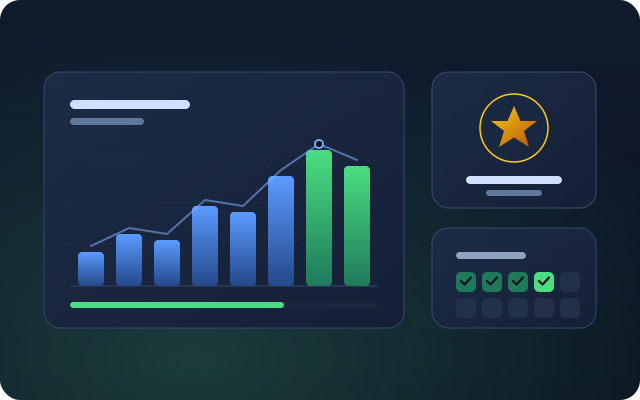
Inside the workstation
A connected service desk, not an isolated quiz
Common questions
IT help desk simulator FAQ
What is an IT help desk simulator?
An IT help desk simulator is a training environment where learners receive, investigate, document, and resolve support requests without changing a real organization's systems. SysDesks connects a ticket queue to a simulated company directory, Windows remote desktops, a working terminal, user conversations, and scored work notes so the complete support process can be practiced in one browser workspace.
Follow the beginner help desk learning roadmapWhat can I practice in SysDesks?
SysDesks lets you practice identity and account work, Windows troubleshooting, networking, software, hardware, printers, mobile devices, security decisions, infrastructure, user communication, documentation, and escalation. Each exercise is a ticket with a fault and an expected resolution state, so you gather evidence, make an authorized change, verify the result, and leave a usable work note.
See the help desk skills worth practicingCan I start SysDesks for free?
SysDesks can be started free by creating a technician account in a web browser. The public homepage does not publish usage allowances or upgrade terms, so it does not make promises about details that a visitor cannot verify before signing in.
Compare the free and paid plansDoes SysDesks help with CompTIA A+, Network+, or Security+?
SysDesks complements CompTIA study rather than replacing official objectives, instruction, or practice exams. It puts support concepts into tickets: addressing, DNS, and DHCP become connectivity investigations, while identity, phishing, authorization, and escalation become decisions made during a simulated shift. SysDesks is not affiliated with CompTIA and does not provide exam dumps.
See the CompTIA A+ practice scenariosDoes SysDesks count as real IT work experience?
SysDesks provides simulated practice, not employment or production system experience. The work can give you honest examples of how you investigated a symptom, used support tools, documented a fix, and handled an authorization boundary, but it should be described as lab or simulator practice rather than professional experience.
Learn how to describe simulator practice honestlyHow should I compare IT help desk simulators?
Compare IT help desk simulators by the work they let you perform, not by the number of feature labels on a page. Check whether one ticket stays connected across the queue, user record, endpoint, technical tools, conversation, verification, and documentation, then confirm which actions change state and which are only scripted demonstrations. SysDesks is built around that connected ticket workflow.
Compare SysDesks with other simulator categoriesHow are SysDesks capability claims checked?
SysDesks keeps its public command, course, scenario, and Windows tool claims tied to the product catalog and verifies those claims during the site build. That prevents the homepage from listing a command, course, scenario count, or desktop tool that the current simulator does not ship.
Can schools and teams use SysDesks?
SysDesks includes a Team Mode for classes, businesses, and other groups that want to organize technicians, assign practical work, and review progress. Team setup is separate from an individual technician account, and the public site does not claim seat counts or commercial terms that it has not published.
See how Team Mode worksHow do I learn Tier 1 support?
Tier 1 support is learned by repeating the ticket types that make up most of the job: account lockouts, connectivity failures, printers, email access, and slow or failing computers. Practice a consistent sequence for each one, including identity checks, scope, evidence, one controlled change, user verification, and a useful work note.
Use the beginner help desk learning roadmapWhat is the best way to learn IT support as a beginner?
The best way to learn IT support as a beginner is to build a repeatable process before memorizing fixes. Learn to define the symptom, ask what changed, check the simplest cause, test one change, verify with the user, and document the result. Add tools and technical topics when a ticket gives you a reason to use them.
Review the core beginner help desk skillsIs a help desk the same as a service desk?
Help desk and service desk often describe the same frontline support work, although service desk can refer to a broader service management function. SysDesks uses the shared workflow behind both terms: receive an incident, take ownership, investigate, resolve or escalate within authorization, verify the result, and document the outcome.
Compare Tier 1 and Tier 2 support responsibilitiesCan I learn IT support without a home lab?
SysDesks lets beginners practice IT support in a browser without building a virtual machine or buying lab hardware. A browser simulator covers ticket workflow, user communication, directory work, Windows troubleshooting, commands, and documentation. A separate home lab remains useful when you want to install operating systems or configure physical and virtual infrastructure yourself.
Compare a home lab with browser based practiceDoes SysDesks include Active Directory practice?
SysDesks includes a simulated company directory with users, groups, computers, and organizational units. You can investigate account lockouts, reset credentials, correct approved user attributes, manage delegated group membership, create joiners, disable leavers, and encounter protected actions that a Tier 1 account must escalate.
Explore the Active Directory practice labCan I practice Windows troubleshooting in SysDesks?
SysDesks includes remote access to simulated Windows endpoints with Task Manager, Device Manager, Event Viewer, Services, Registry Editor, Disk Management, Computer Management, Local Users and Groups, Credential Manager, Settings, File Explorer, and a working command prompt. The ticket is verified against the endpoint state rather than a selected answer.
Follow the Windows help desk troubleshooting guideStart learning on the floor
Open the queue, gather evidence, communicate with the user, document a verified resolution — then practice explaining it in a mock interview.
Start Free